Email Generator
Blog
Add domain
Inbox email
No recent mailbox
How to register domain at nic.ua
Sign up using code that provides 10% discount.
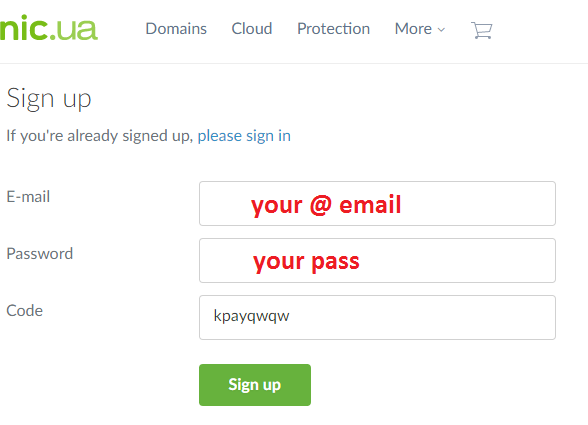
https://nic.ua/en/signup/kpayqwqw
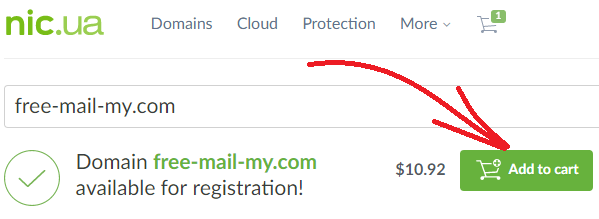
Find free name that you like.
https://nic.ua/en/order/check-result
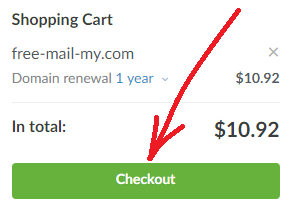
Go to shopping cart.
https://nic.ua/en/checkout/cart
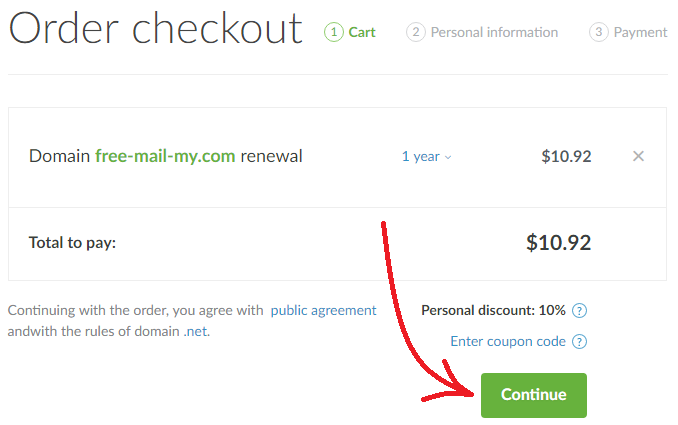
Checkout your order.
https://nic.ua/en/checkout/cart
Enter a personal information of the new domain owner.
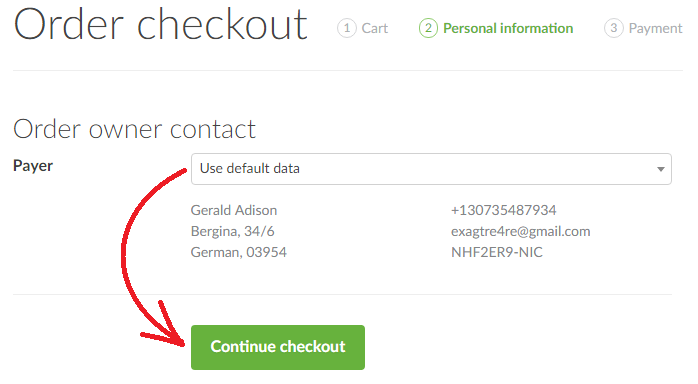
https://nic.ua/en/checkout/personal
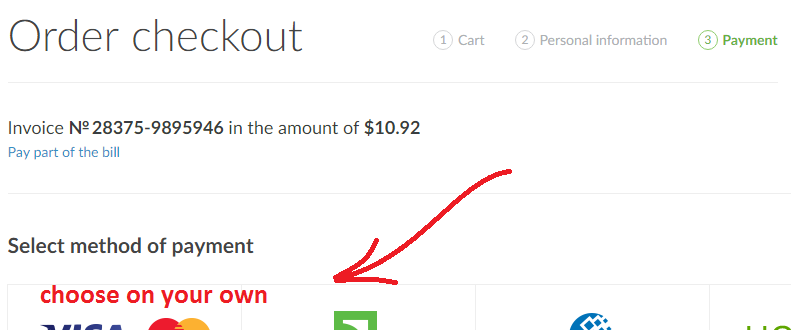
Pay the cost of the domain.
https://nic.ua/en/invoice/payment
The following steps you can do also yourself or ask us and we will help. You can write letter to the email
with the following information and we'll customize it for you:
1) The site registrar.
2) User name.
3) Password.
4) Domain name.
Open personal dashboard.
https://nic.ua/en/my
Order name server for free.
https://nic.ua/en/domains/nameservers
Confirm name servers.
https://nic.ua/en/checkout/cart
Edit name server records.
https://nic.ua/en/my/nameservers
Add MX record to name server.
https://nic.ua/en/my/nameservers
Save records for name server
(do not forget to put dot at the end)
Change NS to domain.
https://nic.ua/en/my/nameservers
Save new NS for domain.
https://nic.ua/en/my/nameservers